Notification Service Extension
For apps that require background processing of notifications (for example, when the user hasn't opened the app), you can use a Notification Service Extension. This approach allows Ometria to accurately track all notifications received and display rich content.
In order to add the extension, go to File > New > Target, and select Notification Service Extension > Next.
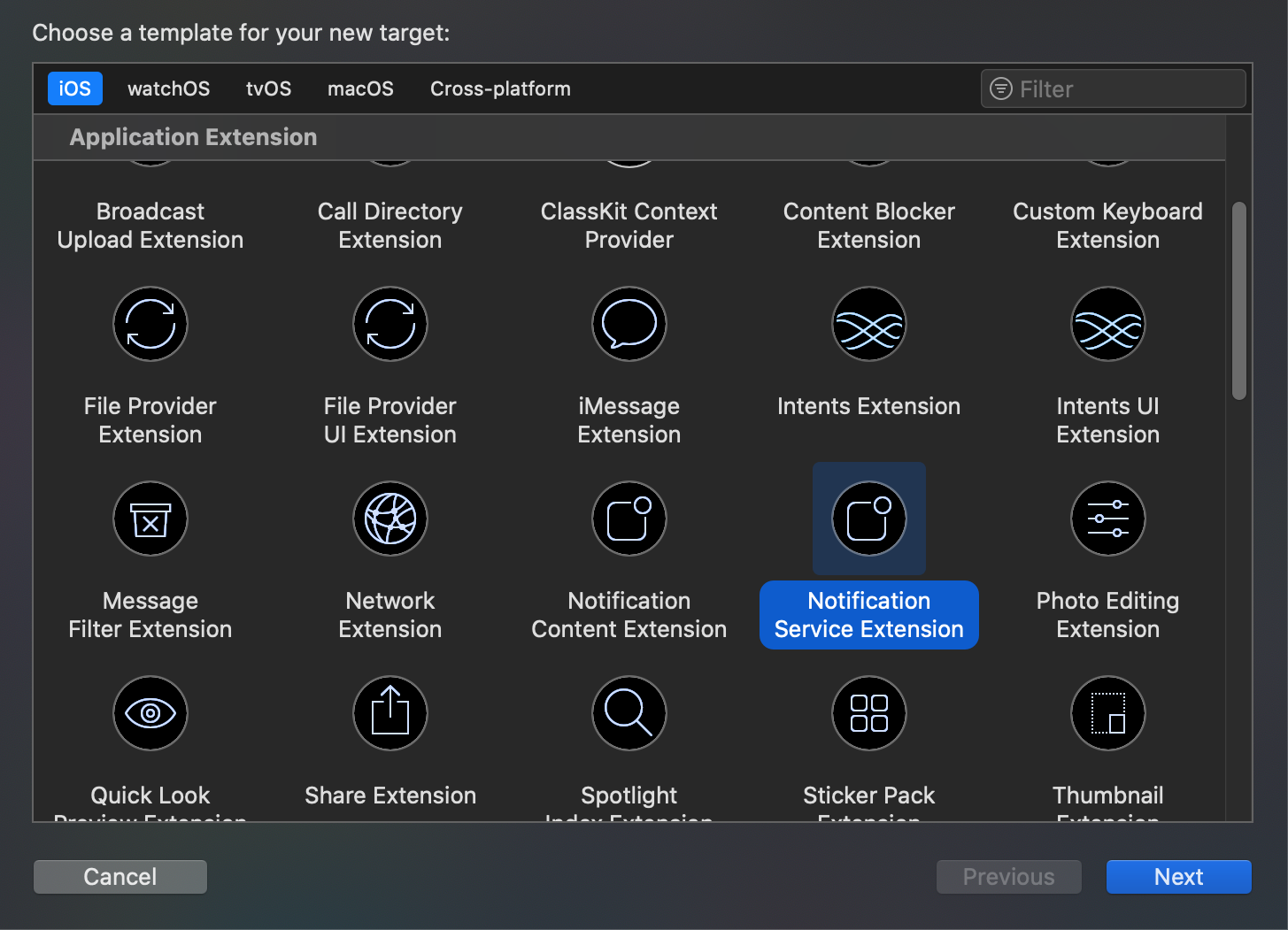
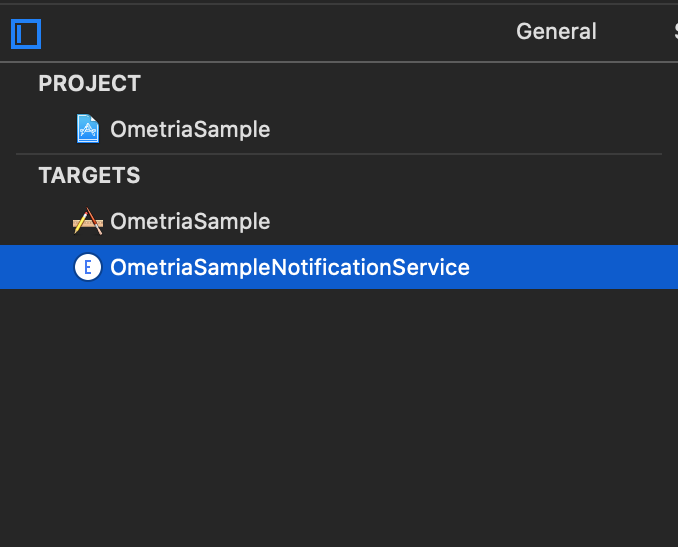
A new item is displayed in your target list:
Next, make sure that the Ometria SDK is also available to this new target.
-
If you installed via Swift Package Manager: in Xcode, select your project, choose the Notification Service Extension target, then under General → Frameworks and Libraries add the
Ometrialibrary. -
If you installed via CocoaPods: update your Podfile to include the newly added target and specify Ometria as a dependency:
platform :ios, '15.0'target 'OmetriaSample' douse_frameworks!pod 'Ometria'target 'OmetriaSampleNotificationService' dopod 'Ometria'endend
Create an app group
At this point the main application and the extension function as two separate entities with the only shared component being the code. In order for the extension to obtain read and write access to data that is relevant for the SDK, it requires to be in the same App Group as the main target. This will allow the main target and the extension to share data.
In your project navigator, select your project, then go to Signing & Capabilities and select + Capability in the top left corner.
Once you have done so, a new section will be displayed below Signing. It will allow you to add a new app group. Make sure you select a relevant identifier (e.g.group.[BUNDLE_IDENTIFIER]), and retain the value, as you will need it when instantiating Ometria.
Repeat the process for the Notification Service Extension target, and you should be good to go.
Update NotificationService
To finalise the implementation and allow Ometria to intercept notifications, open the NotificationService class that was automatically created alongside the extension, and replace the content with the following:
import UserNotifications
import Ometria

class NotificationService: OmetriaNotificationServiceExtension {
    override func instantiateOmetria() -> Ometria? {
        return Ometria.initializeForExtension(appGroupIdentifier: "YOUR_APP_GROUP_IDENTIFIER")
    }
}
Result:
- Your app can now receive notifications from Ometria
- Rich media content (images, videos) will be displayed in notifications
- Notifications can be tracked even if the user hasn't opened the app